
Create Your Next Phase with Confidence
Align Your Unique Path with Depth, Clarity, and Aliveness
Most People Waste Money and Years of Their Lives Feeling Stuck
Weak Mindset
Fear has them overestimate risk and underestimate their power.
Lack of Direction
They’re waiting for the perfect time or perfect plan which doesn’t exist.
No Follow Through
They beat themselves up because they don’t take effective action.
Cut Through the BS.
Go Deep.
Feel Alive.
Reclaim Your Aliveness and Flow
Do Work That Aligns with
Your Deeper Values
Experience Peace of Mind
Knowing You’re on Track
Don’t Settle for a Cookie-Cutter Approach
Tripp Offers a Coaching Process Tailored to Fit You

Get Out of Your Own Way
Working alone means you can BS yourself and stay stuck in limiting patterns. Tripp quickly helps you see your blindspots so that you can tap into new possibilities.
Clarify Your Direction
Cut through the confusing fog created by fear and “experts.” Tripp’s coaching guides you to find your own sense of direction so that you feel confident about where you’re going and what you’ll do next.
Get Things Done
This is where the rubber meets the road. Tripp will hold you accountable to “turn pro” and take consistent action so that you feel more energized, aligned, and satisfied.
Coaching Everyone from Entrepreneurs to Navy SEALs to That Guy Up the Street from You

“I’ve had some of the most meaningful and inspiring conversations of my life with Tripp and appreciate the extraordinary support he’s given me. I love him.”
Brian Johnson
Philosopher + CEO of Heroic and Optimize (Philosopher Notes)

“If I look back on what I accomplished this year, the roles that I landed and the money I made was a direct impact of us working together. You getting me in the right state of mind to navigate this professional transition wouldn’t have happened otherwise.”
John Schoew
Senior Executive, Technology and Human Development

“After leaving the SEAL teams I was stuck. I had a hundred great ideas and a hundred different directions. If I could go back and tell myself what I know now, I would say, ‘Do it. Listen to what he says and do it. Trust the process.’”
Jeff Boss
Former Navy SEAL, Leadership Team Coach, Author

“I have reached out to Tripp a number of times with insecurities and absurdities since our initial conversation. I am ever impressed with his guidance and willingness to help people figure out a better way in life.”
Dr. Eric Goodman
Creator of Foundation Training, Best-Selling Author

“When I left the SEAL teams there were things that I left behind that I was not meant to be without. I can make bold decisions on things that I would not have done without having you in my corner.”
Eric Davis
Former Navy SEAL Sniper Instructor, Author of Raising Men and Habits of Heroes

“I hired you again because I trust you, I knew you would not allow any bullshit. I specifically said, ‘Here’s where I want to go. Help me with my blind spots.’ Some of it was execution. Some of it was related to mindset. And as a result, my business is up and running. I’m now finally doing what I’ve wanted to do for a long, long time.”
Gerry Campbell
CEO of Frequency Group, Inc. former CTO of Beachbody
Leverage Years of Expertise to Your Advantage
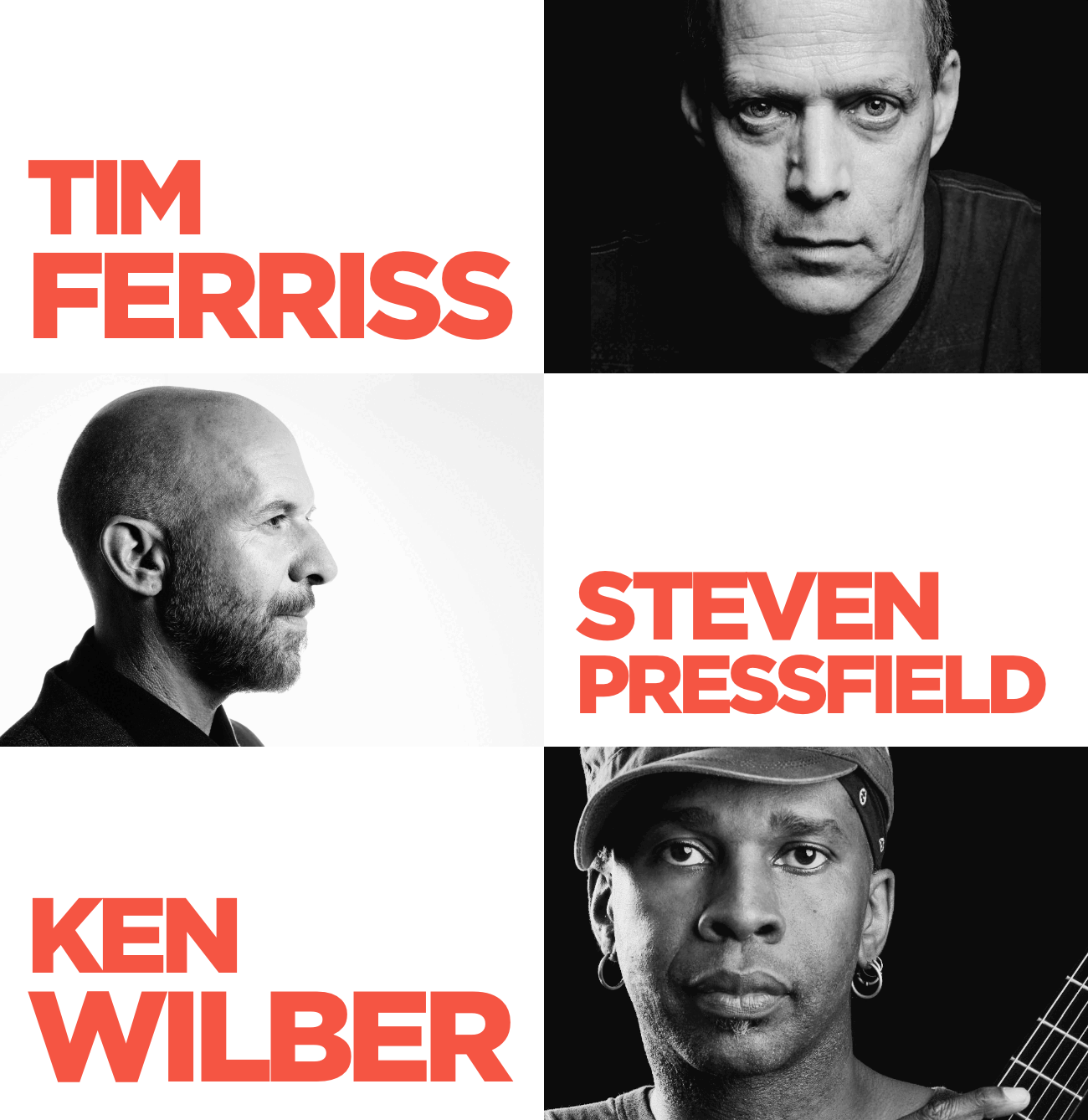
As host of The New Man, Tripp Lanier has spent thousands of hours talking with hundreds of experts, authors, and legends in the field of personal and spiritual growth.
His interviews and lessons have been downloaded millions of times by people all around the world.
Working with Tripp means you’ll bring that wisdom into every conversation.
Next Steps
Option 1:
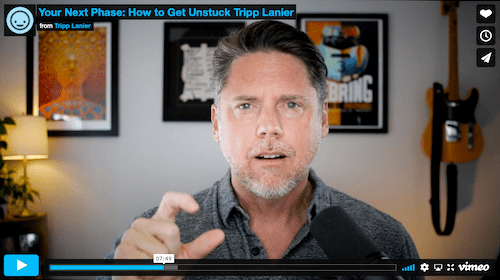
Watch the Free Video
Option 2:
Talk with Tripp About Coaching
Click the button below, and fill out a short questionnaire. Tripp will get back to you and discuss next steps.